Tencent Open-Sourced an Edge AI Translation Model, So I Made an Android Local Translation App
Based on Tencent's open-source HY-MT 1.5 edge translation model, developed the Android local translation app PrivaTrans, covering installation, model loading, terminology assistance, and Word import/export features.
Recently, Tencent open-sourced the HY-MT 1.5 series translation models, claiming they rival commercial translation APIs and large LLMs across multiple dimensions.
The 1.8B model even surpasses many commercial translation APIs.
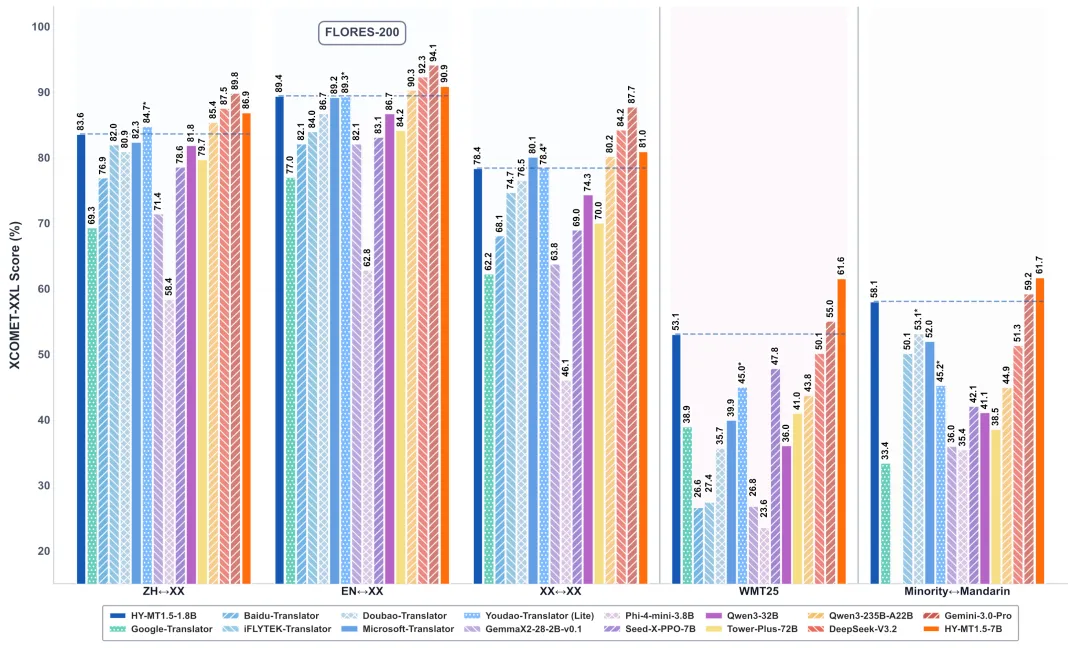
Tencent stated that this is a local translation model well-suited for edge devices (phones, laptops, tablets), but did not provide a related app.
So I stepped in.
A fully local-inference Android translation app that supports switching models on the fly and importing/exporting docx files.
PrivaTrans
Here it is.
*This article represents the author’s personal views only and does not constitute legal advice or opinion.
1. Interface Overview
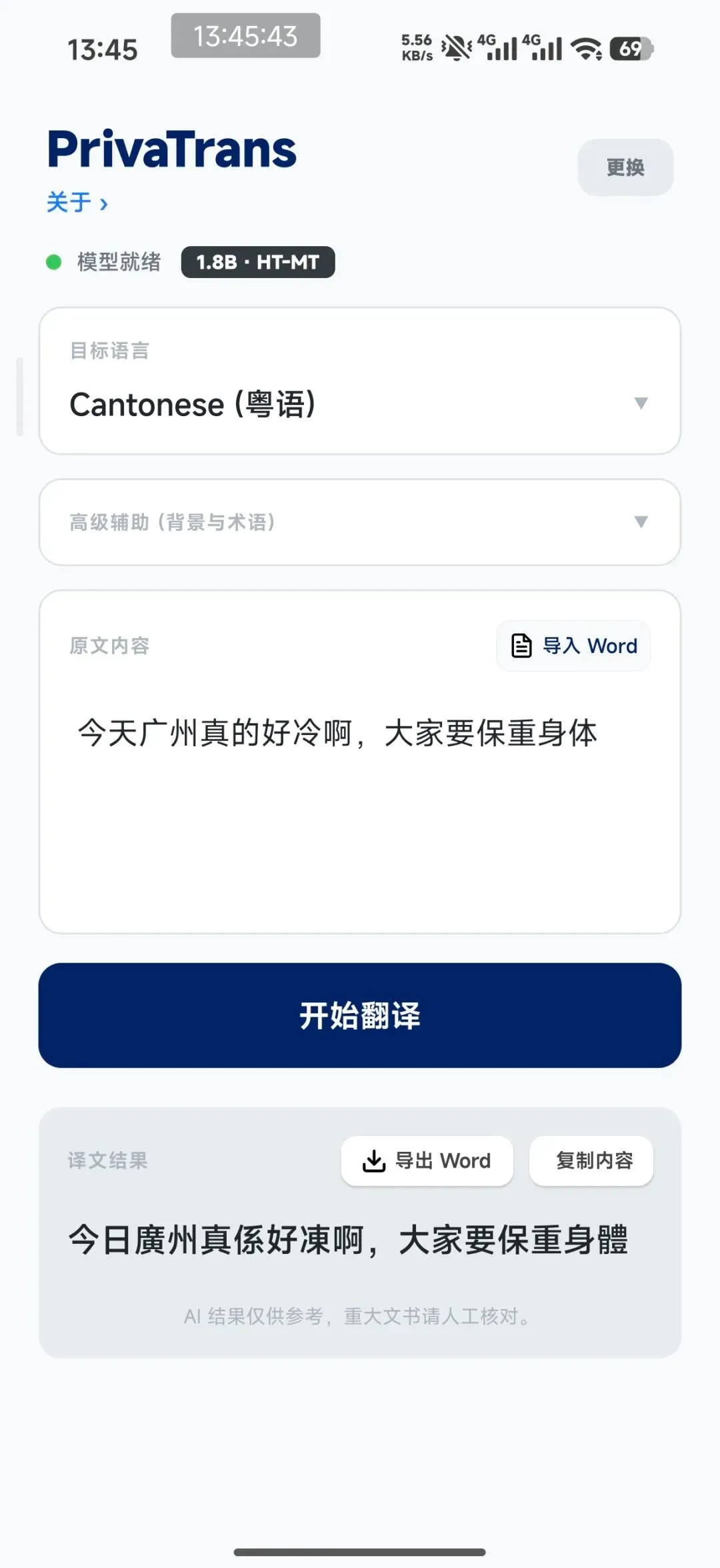
No ads, no loans, no social features.
Nothing — just a clean tool page.
Enter text and press [Start Translation] for streaming output.
2. How to Install
The App
(Recommended) Download link:
https://apps.lslby.com/PrivaTrans/PrivaTrans-1.1.apk
(Optional) Thunder Cloud Drive:
Share file: PrivaTrans.apkAfter downloading, transfer via WeChat, QQ, or directly drag to your phone, and install using the phone’s built-in package installer.
Since it’s self-made software, you may be warned that the app is not registered or lacks ICP filing — just proceed with installation.
Model
This translation app supports most GGUF format models and is specially optimized for the HY-MT 1.5 series.
You can quantize models yourself, or use my pre-quantized HY-MT1.5-1.8B model.
You can download directly through the [Model Management] feature in the app:
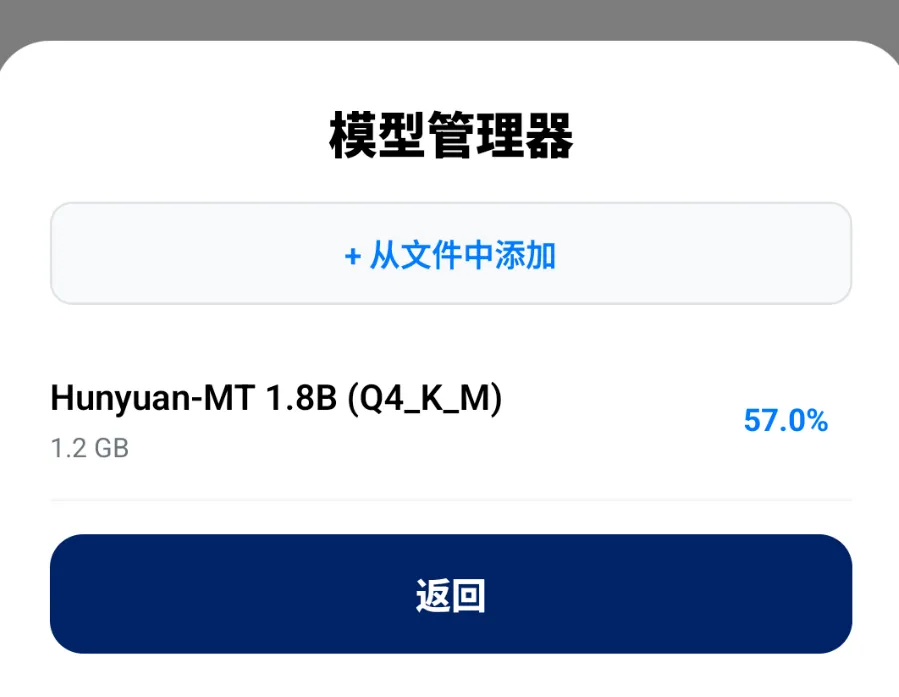
Or manually download from the following URLs and save to your phone.
Model page:
https://modelscope.cn/models/ByronLeeee/HY-MT1.5-1.8B_bf16_Q4_K_M-GGUF/
Model download link:
This GGUF version is quantized from the original HY-MT1.5-1.8B (bf16) using Q4_K_M, resulting in a model size of only 1.1GB and runtime memory under 2GB — very friendly for both storage and specs.
Translation Speed
Since it runs local AI inference, speed varies by device.
Here’s the real-time speed on a Xiaomi 17 Pro (Snapdragon 8 Elite Gen5):
[Video player controls omitted]
3. Usage Guide
Install the app, place the model GGUF file on your phone, and load it with a few simple steps.
Loading the Model
Use the button in the top-right corner to load and switch models.
Click it to download the recommended model or manually load a model file of your choice.
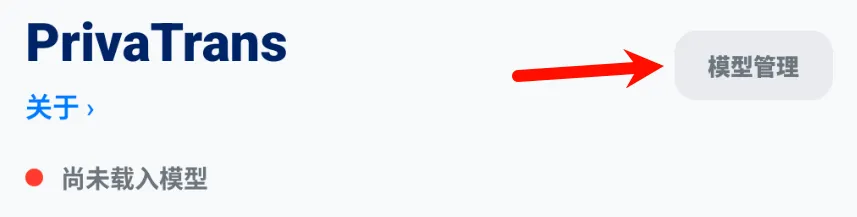
Click [Add from File] to invoke the system file manager. Locate the model GGUF file and tap to load.
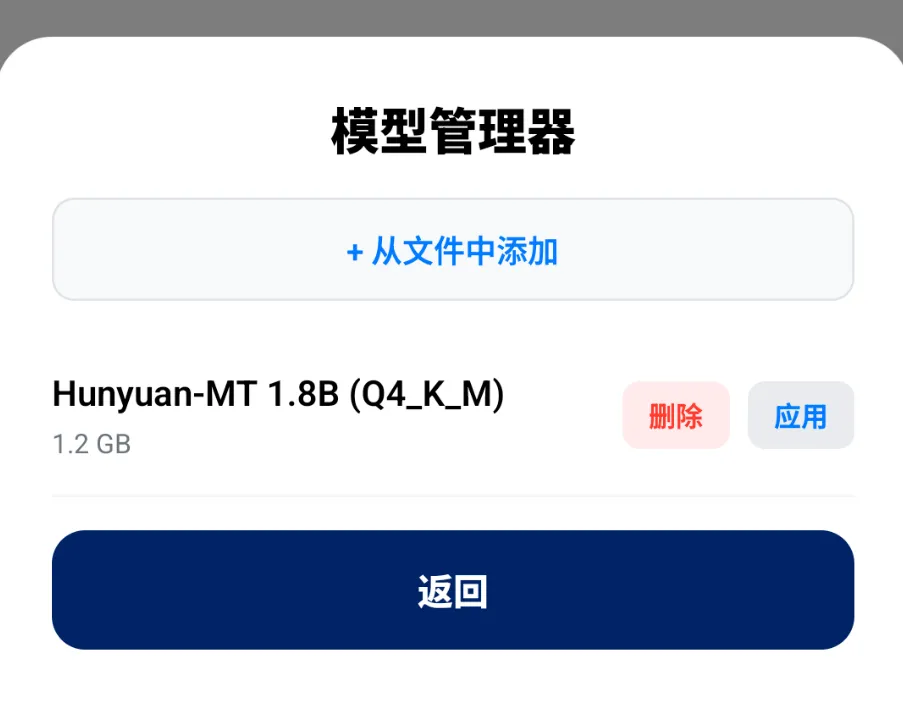
(Yes, I also quantized a 7B model, but even the Snapdragon 8 Elite GEN 5 runs it quite slowly — not recommended.)
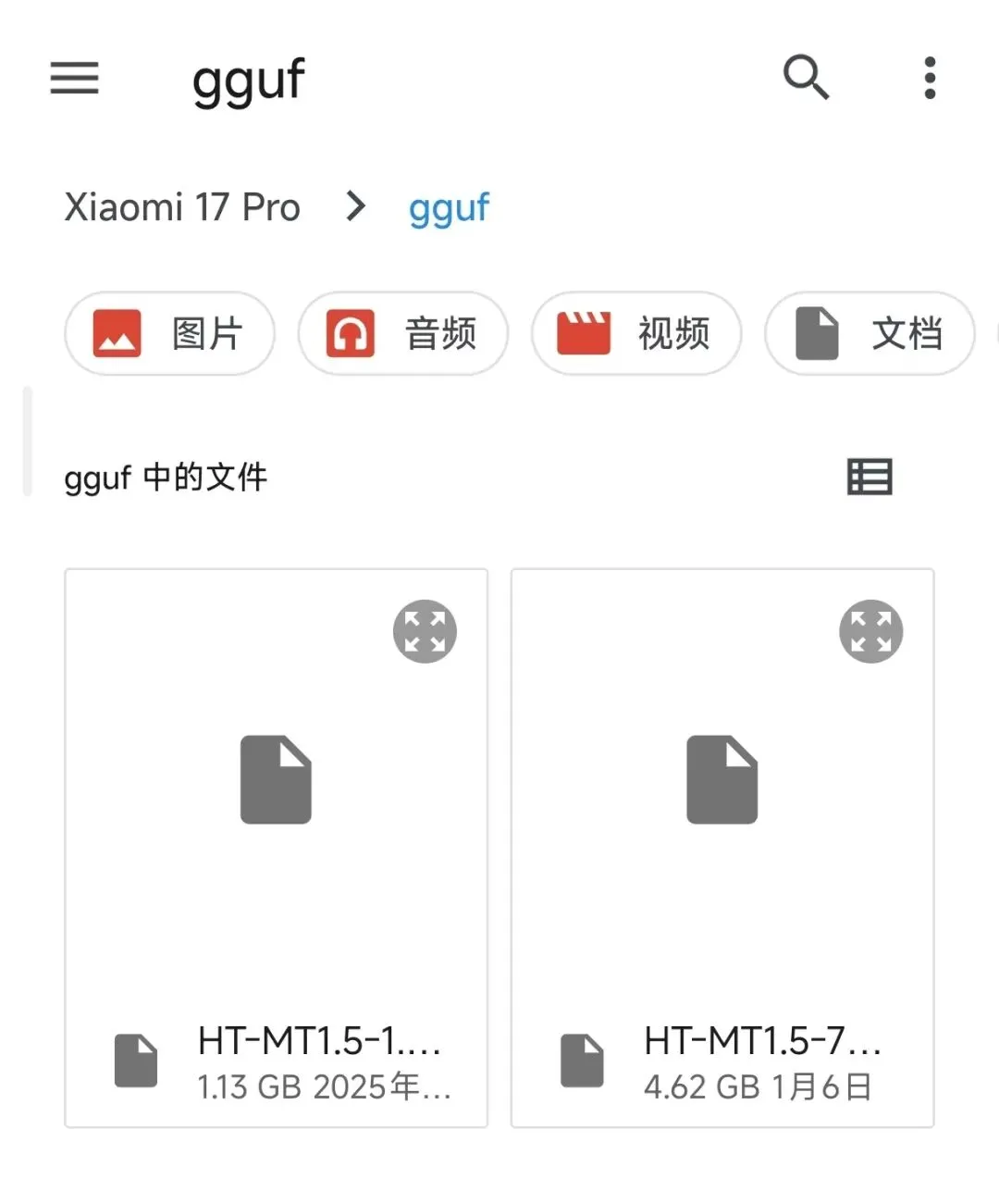
Wait for the model to finish loading. On a Xiaomi 17 Pro, model loading takes under 2 seconds.
Next time you launch, if the model hasn’t moved, it will load automatically.
Advanced Assistance
The HY-MT 1.5 model is an instruction-tuned model that supports context and terminology reference, and this app supports that too.
Enter terms (press + to confirm) and the model will reference them during translation for consistent terminology.
You can also input background context to help the model choose more appropriate wording.

Exporting and Importing Word
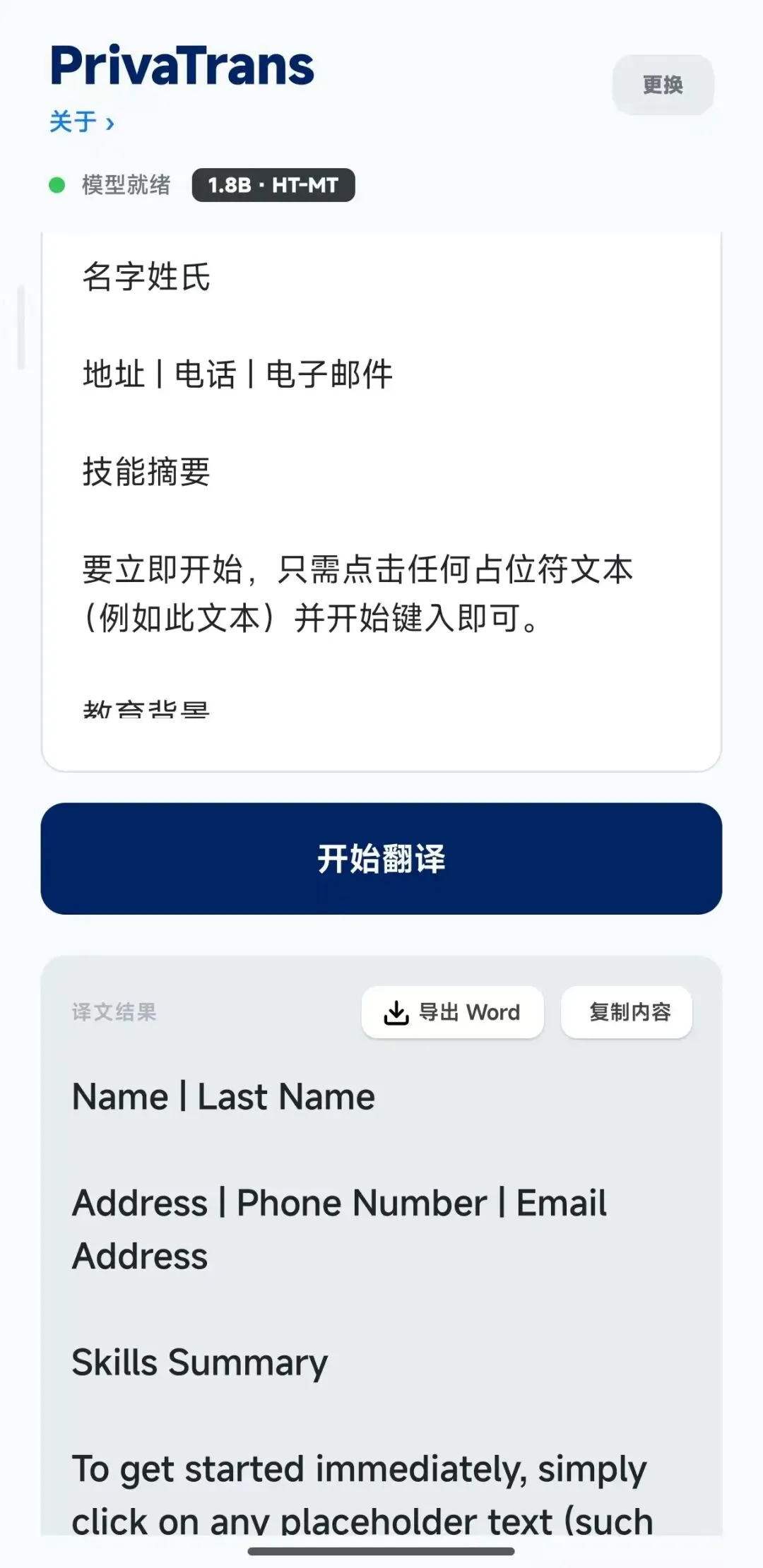
Press the [Import Word] button to invoke the system file manager and select a Word document for translation.
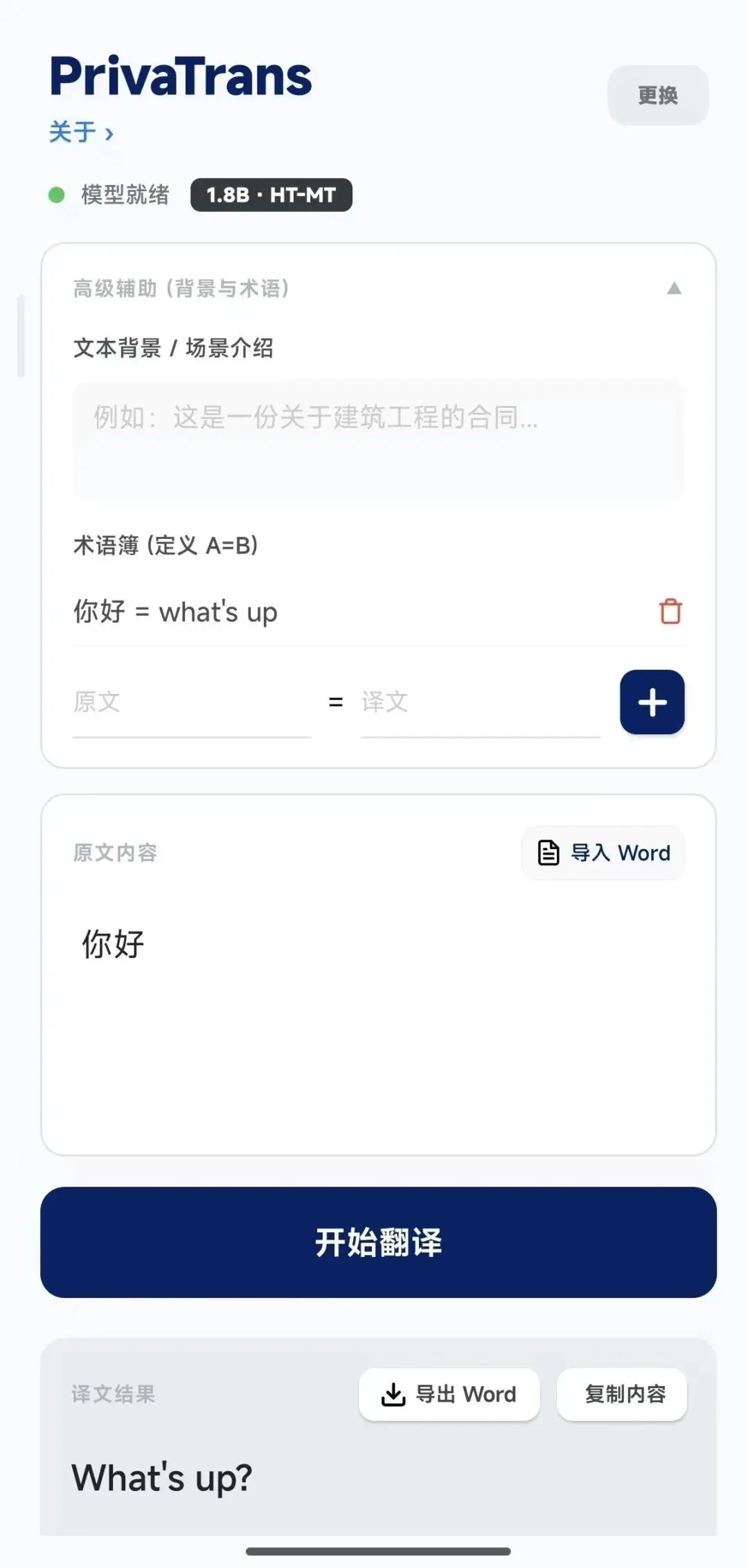
The full text will be imported into the translation area:
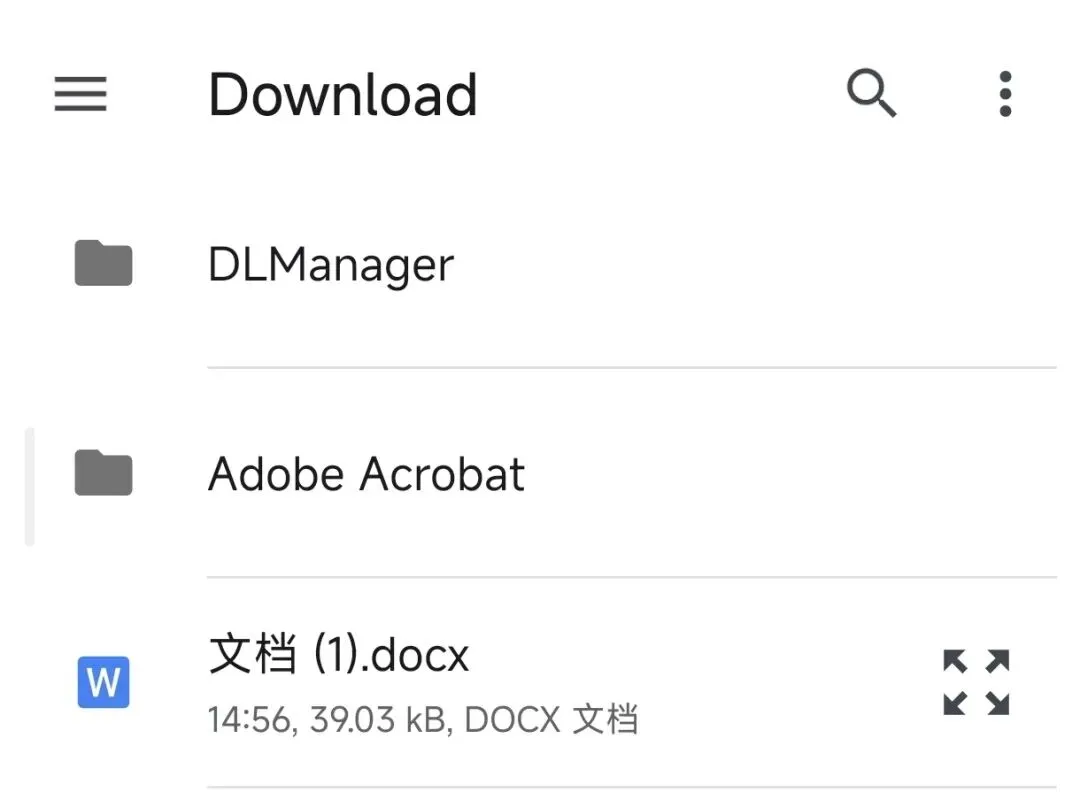
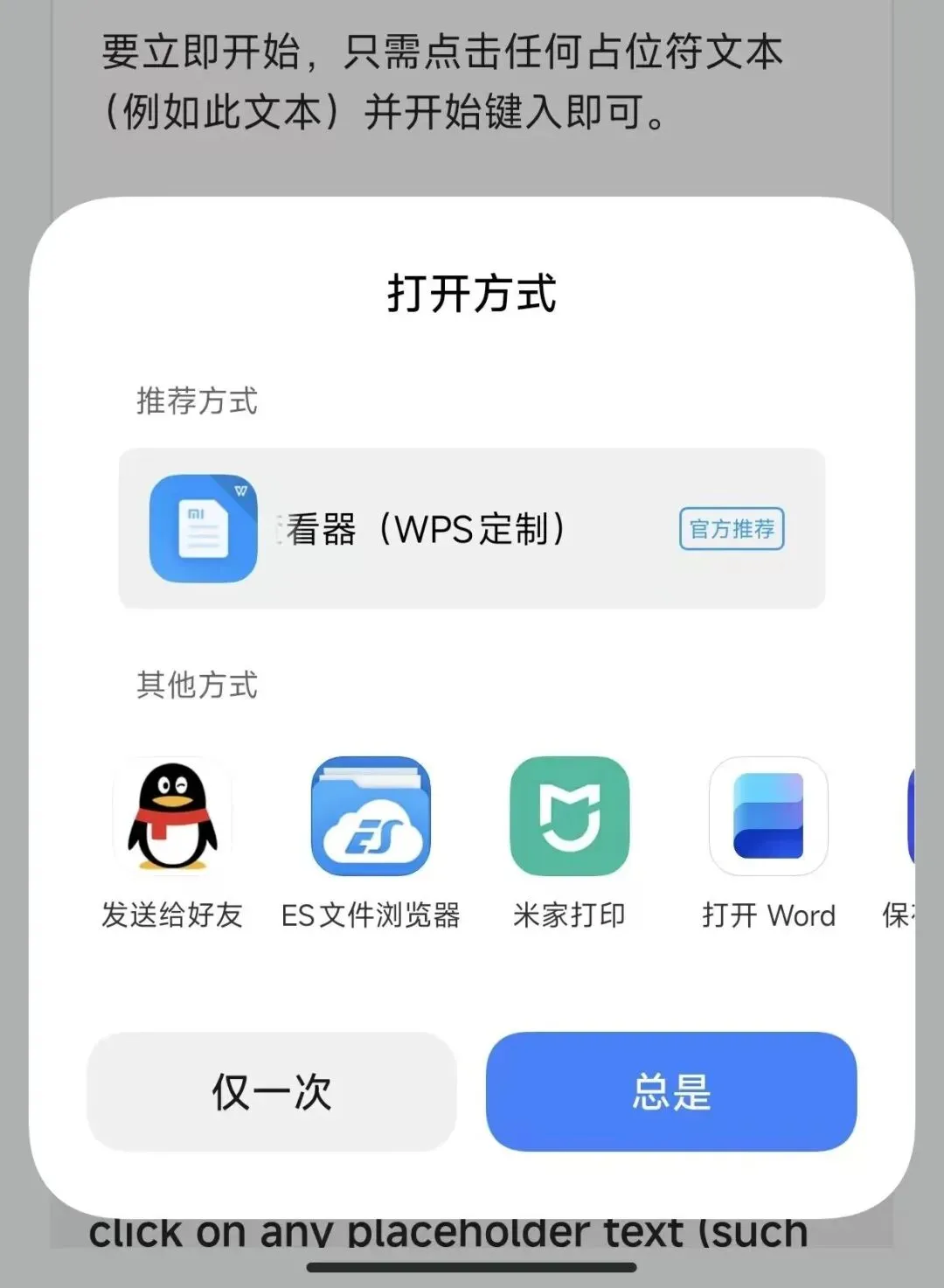
After translation, simply press [Export Word], choose how to open the exported file, and view or save it:
4. Final Words
This app is completely free and fully usable offline.
If you find it useful, please give it a like.
If you’d like to follow, even better.
Thank you all.